← Blog · July 8, 2026
Best Email Deliverability Services in 2026

Getting your emails delivered is one thing. Getting them actually seen is a completely different fight. With 16.9% of emails vanishing into junk folders or the ether, the gap between clicking "send" and hitting the primary inbox has never been wider.
If you're running outbound sales, marketing campaigns, or critical transactional workflows in 2026, you can't rely on luck. This guide cuts through the noise to detail the best email deliverability services available right now, categorized so you can grab exactly what your stack is missing.
Key Takeaways
The email deliverability ecosystem is split into highly specialized buckets:
- Warm-up engines that build domain trust by simulating human conversations.
- Inbox placement testers that run dress rehearsals to show you exactly where your emails land (inbox, promo, or spam) before you send the real campaign.
- All-in-one outbound platforms (like NexusCold) that bake deliverability guardrails directly into your sending infrastructure.
- Free diagnostic tools from major providers (like Google Postmaster) that give you unfiltered reputation data straight from the source.
For high-volume outbound sales and agencies, trying to duct-tape five different single-feature tools together is a headache. A unified, deliverability-first platform is usually the smarter play.
To benchmark your performance, aim for an inbox placement rate of 89% or higher. Most authenticated senders hover around 83% to 86%—which means they are leaving serious pipeline on the table.
What Are Email Deliverability Services (and Why They Matter in 2026)?
These are platforms designed to do one job: ensure your emails land where people actually look. That means avoiding the spam folder, dodging the promotions tab, and keeping your domain off blacklists across Gmail, Outlook, Yahoo, and Apple Mail.
We need to clear up a common point of confusion: delivery is not the same as deliverability.
- Delivery rate is a low bar. It just means the recipient's server accepted your email rather than bouncing it back. Most clean lists hit 95% to 99% here.
- Deliverability (or inbox placement) is the real test. It measures whether that accepted email made it to the main inbox or got buried in the spam folder.
Right now, average inbox placement for authenticated senders sits around 83%. That means one out of every six emails you send is functionally invisible.
If you are noticing any of these red flags, your deliverability is likely slipping:
- Your open and reply rates suddenly cratered.
- You are hitting spam traps or getting flagged on blacklists.
- Your DNS records (SPF, DKIM, DMARC) are misconfigured or weak.
- You spiked your sending volume too quickly, triggering spam filters.
For B2B sales teams, moving your inbox placement from 80% to 90% isn't just a minor metric boost—it means dozens of extra warm leads and thousands of dollars in pipeline every single month.
How We Evaluated the Best Email Deliverability Services
This guide is based on hands-on testing of over 20 tools between late 2024 and mid-2026. We ran real-world cold outreach, marketing newsletters, and transactional campaigns using seed lists across Gmail, Outlook, Yahoo, and Apple Mail.
We graded each tool on:
- Inbox placement accuracy: Did it show us real folder placement, or just spit out a generic spam score?
- Warm-up quality: Does it use a real network of engaged inboxes, or cheap, suspicious bots?
- Scale: How easily can it handle dozens of domains and hundreds of inboxes?
- Monitoring depth: Does it track blacklists and sender reputation over time?
- API & Integrations: Is it easy to plug into an existing tech stack?
- Pricing transparency: No hidden fees or bait-and-switch pricing tiers.
Note: While this guide is vendor-neutral, it is written from the perspective of NexusCold. We build deliverability-first cold email infrastructure, so we’ll highlight where an all-in-one platform makes more sense than paying for multiple point solutions.
Types of Email Deliverability Tools You Should Know
"Deliverability tool" is a broad umbrella. Depending on your current bottleneck, you might need a specialized diagnostic tool or a complete sending engine.
| Category | What It Does |
|---|---|
| Warm-up & Reputation Builders | Automatically sends and replies to messages to build domain trust before you scale volume. |
| Inbox Placement & Spam Testers | Sends test emails to a seed list to show you exactly where your messages land. |
| Monitoring & Reputation Dashboards | Monitors domain health, blacklists, and spam complaints on an ongoing basis. |
| Transactional Email APIs | Heavy-duty infrastructure built to deliver password resets, alerts, and invoices instantly. |
| Deliverability-First Cold Email Platforms | Combines sending, inbox rotation, warm-up, and monitoring under one roof. |
| Free Provider Tools | Direct dashboards from Google and Microsoft showing your sender reputation. |
Most serious teams end up using a mix: a warm-up tool to build foundation, a monitoring tool to watch for issues, and a reliable sending infrastructure.
Warm-Up and Reputation Building Services
If you start sending cold emails from a brand-new domain, mailbox providers will flag you immediately. You look like a spammer.
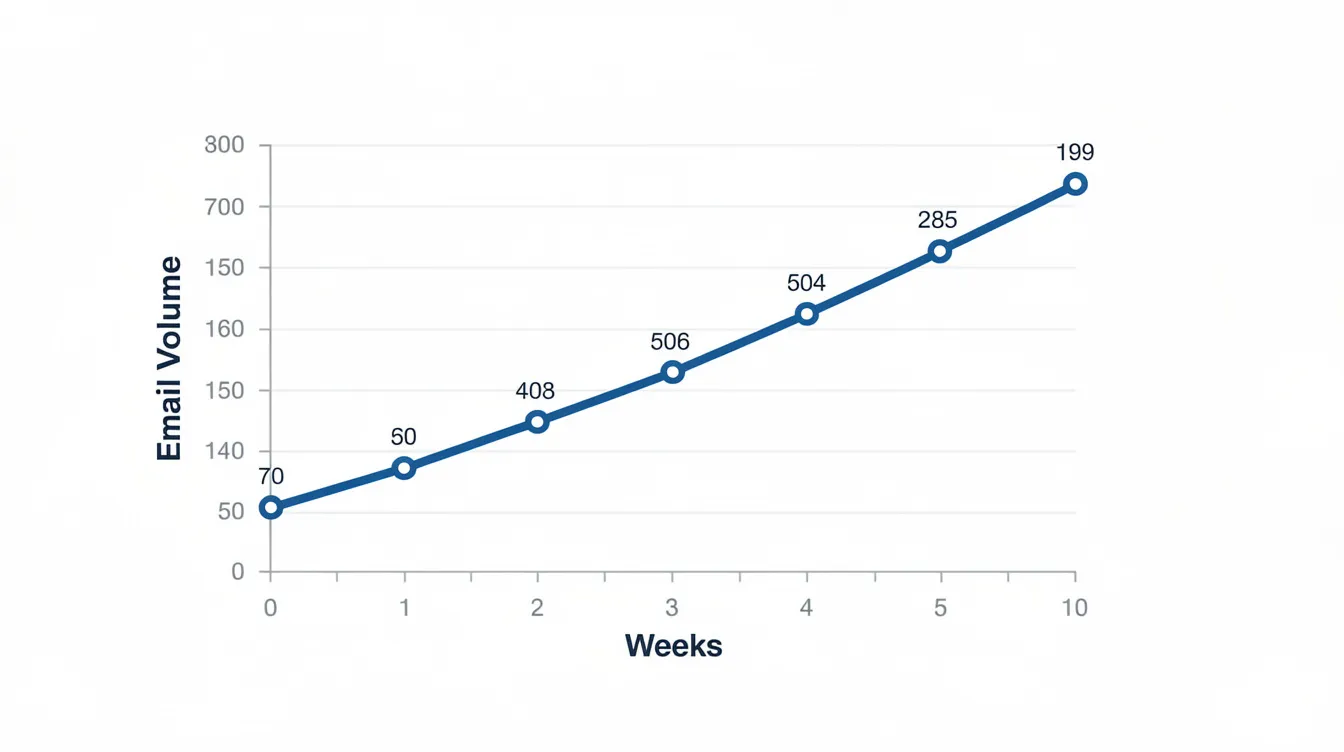
Without a warm-up phase, early inbox placement hovers around a dismal 68.4%. If you warm up that inbox properly, that number jumps to 91.3%.
Warm-up tools automate this by sending emails back and forth within a network of real, high-quality inboxes. These inboxes open your emails, mark them as important, pull them out of spam, and reply—simulating natural human interaction to show ISPs you are a trustworthy sender.
When shopping for a warm-up tool, make sure it offers:
- Native integration with Google Workspace and Microsoft 365.
- Customizable volume ramp-up schedules.
- Multi-mailbox parallel warming.
- Transparent reporting on spam vs. inbox placement.
Top standalone options:
- Warmup Inbox: A massive network of over 30,000 inboxes with great ESP targeting. Excellent for small teams, though it gets pricey if you scale up.
- MailReach: Offers highly visual dashboards and lets you control warm-up by specific ESP. Very cost-effective for agencies.
- Lemwarm: The classic choice. It's built into Lemlist, making it a no-brainer if you use their platform, but expensive as a standalone tool.
- TrulyInbox: Offers unlimited mailbox warming for a flat fee—a massive win if you are scaling dozens of email accounts.
- InboxAlly: Designed specifically to fix damaged reputations by forcing high engagement. Pricing starts at $149/month.
Note: High-quality warm-up tools can push your inboxing rates up to 98%. NexusCold builds this directly into our platform. When you spin up a new mailbox with us, the safe ramp-up and engagement are handled automatically—no extra subscriptions required.
Inbox Placement Testing and Spam Diagnostics
You shouldn't have to guess where your emails land. Placement testing tools send your message to a "seed list" of monitored test inboxes across various providers, giving you a real-time report card.
The workflow is simple:
- Copy a unique seed list from your testing tool.
- Send your campaign template to that list.
- Check the tool's dashboard to see where you landed (Primary, Promo, or Spam).
- Adjust your copy, links, or authentication records and test again.
The industry standards:
- GlockApps: The gold standard for deep diagnostics. It tests your emails against 30+ providers and breaks down authentication and blacklist issues.
- Folderly: Runs automated daily placement tests to catch deliverability drops before they ruin your campaigns.
- Unspam.email: A clean, easy-to-use tool that includes layout heatmaps alongside placement tracking.
- SendForensics: Heavy-duty pre-send analysis that dissects your content, links, and infrastructure for spam triggers.
Run these tests before launching any major campaign, whenever you change your tracking setup, or the moment you notice an unexpected drop in open rates.
Deliverability Monitoring and Reputation Dashboards
Domain and IP reputation don't usually die overnight. They slowly erode due to old lists, low engagement, or quiet updates to spam filters. Continuous monitoring is your early warning system.
Key metrics you need to keep an eye on:
- Spam complaint rates (keep these under 0.1%).
- Hard and soft bounce rates.
- Blacklist status across major databases.
- SPF, DKIM, and DMARC alignment.
Top monitoring tools:
- Validity Everest: Enterprise-grade suite (now under Litmus) with deep competitor benchmarking and panel-based tracking. Expect enterprise pricing.
- InboxEagle: A more accessible alternative that integrates beautifully with Klaviyo and Amazon SES.
- GlockApps & Folderly: Both offer continuous monitoring add-ons alongside their core testing features.
While these tools aggregate data from multiple sources, NexusCold focuses its monitoring on real-time outbound sales metrics: tracking bounce rates, reply rates, and provider throttling rules at the mailbox level so you can take immediate action.
Transactional Email APIs and Infrastructure Services
Transactional emails—like password resets, receipts, and order confirmations—must arrive instantly. If they land in spam, your user experience is broken.
These services run on highly optimized, dedicated IP pools and strict routing systems designed to prioritize speed and pristine sender reputation.
| Provider | Best For |
|---|---|
| Postmark | Near-instant delivery and strict separation of marketing and transactional streams. |
| Mailgun | Developer-friendly API built for high volume. Their SLA supports up to 15 million emails per hour. |
| Amazon SES | Unbeatable pricing, but requires technical setup and manual reputation management. |
| SendGrid | Enterprise-scale campaigns with reliable, flexible delivery options. |
| MailerSend | A modern, clean API with built-in email verification for growing teams. |
| SMTP2GO | A rock-solid, incredibly reliable SMTP service with lightning-fast delivery speeds. |
If you are choosing a transactional provider, prioritize deliverability and API documentation over raw cost. A cheap API that lands in spam is the most expensive option in the long run.
Free Provider Tools: Google Postmaster Tools and Friends
You don't always need to pay for reputation data. The mailbox providers themselves will show you how they see your domain for free.
Google Postmaster Tools is essential. It tracks:
- Your exact spam complaint rate (keep this under 0.3% to avoid Gmail's bulk-sender penalties).
- IP and Domain reputation grades (Bad, Low, Medium, High).
- SPF, DKIM, and DMARC success rates.
- Delivery errors.
Microsoft SNDS (Smart Network Data Services) provides similar data for Outlook and Hotmail, including spam trap hits and IP-level reputation.
Yahoo Sender Hub covers your reputation across Yahoo and AOL properties.
To use these, you just need to add a quick TXT record to your DNS to verify ownership. Once verified, check them weekly to spot trends.
Top All-in-One Deliverability-First Cold Email Platforms
If you are running outbound sales, buying standalone warm-up or testing tools gets expensive and messy. The modern play is to use a sending platform that prioritizes deliverability natively.
- Smartlead: Outstanding multi-inbox rotation and API support. Built with agencies in mind.
- Instantly: Popular choice offering unlimited email accounts and a large built-in warm-up network.
- Lemlist: Strong multichannel features with native Lemwarm integration.
- Mailshake: A simpler, clean UI that integrates easily with standard CRMs.
- NexusCold: A self-hostable, white-label platform built specifically for agencies managing 50+ inboxes. It automates mailbox provisioning, enforces safe warm-up schedules, manages rotation, and runs automatic DNS checks out of the box.
Using a platform with built-in rotation and automated limits prevents the human errors that usually burn domains. If you are managing outbound for multiple clients, this is a lifesaver.
Best Email Deliverability Services by Use Case
Different businesses require different deliverability setups. Here is how to build your stack:
- Solo Founders & Small Outbound Teams: Use a reliable warm-up tool (like MailReach), run occasional GlockApps tests, and monitor Google Postmaster. Keep it simple and budget-friendly.
- Agencies Managing Dozens of Client Inboxes: Standardize on an infrastructure platform like NexusCold to manage provisioning, warm-up, and rotation under a single white-label dashboard.
- SaaS Companies: Keep your transactional emails (Postmark or Mailgun) completely separate from your sales outreach (NexusCold) by using distinct subdomains. This protects your core product emails.
- Ecommerce Brands: Use an ESP with robust automation and subscriber segmenting (like Klaviyo or Brevo) combined with placement testing to monitor the Gmail Promotions vs. Primary inbox split.
- Technical Teams: Lean on MXToolbox for DNS checks, GlockApps for detailed header analysis, and DMARC report parsers to monitor unauthorized domain use.
Key Features to Look For in an Email Deliverability Platform
Don't get distracted by shiny features. A great deliverability platform needs to get the fundamentals right:
- Granular Placement Reports: You need to see placement broken down by provider (e.g., "Gmail: 100% Inbox, Outlook: 100% Spam") rather than a single useless average score.
- Automated Warm-up & Safe Ramps: The tool should slowly scale up volume without requiring manual adjustments.
- DNS Validation: Built-in verification for SPF, DKIM, and DMARC.
- Smart Bounce Management: Automatic suppression of hard bounces to protect your sender score.
- Sender Rotation: The ability to spread campaign volume across multiple inboxes seamlessly.
Evaluating Sender Reputation and Inbox Placement Rates
Your sender reputation is essentially a credit score monitored by ISPs. If you have a clean history, your emails go to the inbox. If you have a history of bounces and spam complaints, you get filtered out.
| Rating | Inbox Placement Rate |
|---|---|
| Excellent | 89% - 99% (The gold standard for healthy, authenticated senders) |
| Acceptable | 83% - 88% (Room for improvement; check list hygiene) |
| Red Flag | Below 83% (Your domain is likely burning; pause and repair immediately) |
Placement varies wildly by provider. Gmail consumer accounts generally have high placement (averaging around 89.8%), while Microsoft Outlook is notoriously strict, often hovering around 77% to 80% for outbound senders.
To keep your score high, set up alerts: if your bounce rate crosses 3% or your Google Postmaster spam rate ticks above 0.3%, stop sending immediately and clean your data.
DNS, SPF, DKIM, and DMARC: The Foundation of Deliverability
No deliverability tool can save you if your technical foundation is broken. These three authentication protocols are mandatory to get past modern spam filters:
- SPF (Sender Policy Framework): A public list in your DNS records showing which servers are allowed to send emails on your domain's behalf. Keep this under the 10-lookup limit.
- DKIM (DomainKeys Identified Mail): Adds a cryptographic signature to your emails, proving they weren't tampered with in transit.
- DMARC (Domain-based Message Authentication, Reporting & Conformance): Tells receiving servers what to do if an email fails SPF or DKIM checks.
Despite how critical this is, roughly 30% of bulk senders still fail to meet Google and Yahoo's updated authentication requirements.
If you are setting up DMARC for the first time, follow this safe rollout path:
- Set your policy to
p=noneto collect performance reports. - Review the reports to ensure all your legitimate sending tools are passing alignment.
- Move your policy to
p=quarantineto send failing emails to the spam folder. - Finally, move to
p=rejectto completely block unauthorized emails.
Warm-Up Best Practices for New Domains and Inboxes
Do not rush the warm-up process. Rushing from 5 to 50 emails a day on a new domain can result in immediate, long-lasting spam placement.
Here is a standard, highly effective 4-to-6-week warm-up schedule:
- Week 1: 5–10 emails/day. Send simple, plain-text messages to highly engaged contacts who you know will open and reply.
- Week 2: 15–20 emails/day. Keep the reply rate high.
- Weeks 3–4: Gradually scale up. You can introduce cold contacts, but keep them to a small percentage of your overall daily volume.
- Weeks 5–6: Ramp up to your target volume—provided your bounce and complaint rates have remained at zero.
If you don't send from a domain for a few weeks, don't just blast out a big campaign. Treat it as a cold domain and run a mini-warm-up cycle to ease back into active status.
Managing Deliverability Across Many Inboxes and Domains
When managing outreach at scale, the golden rule is risk isolation. If you send all your outbound campaigns from a single domain and that domain gets flagged, your entire sales team goes dark.
To prevent this:
- Use alternate domains (e.g., if your main site is
company.com, usegetcompany.comorcompanyoutreach.comfor cold campaigns). - Never send more than 30–50 cold emails per inbox, per day.
- Spread your campaign volume across multiple inboxes using automated inbox rotation.
- Keep your transactional, marketing, and sales emails completely isolated on separate subdomains.
Platforms like NexusCold handle this setup natively, enforcing safe limits and automatically pausing individual inboxes if they hit a high bounce rate or showing signs of being flagged.
Monitoring and Improving Content for Spam Filters
Your technical setup can be perfect, but poor email copy will still trigger content filters. Modern spam filters analyze text, links, and formatting to decide if an email is junk.
Keep your copy clean with these best practices:
- Run your templates through spam checkers (like GlockApps or Unspam.email) to catch spam-trigger words and broken HTML.
- Avoid excessive links. In cold outreach, aim for one link max—or none at all in your first touchpoint.
- Keep formatting simple. For B2B cold outreach, plain text or minimalist HTML templates consistently outperform heavy, image-laden designs.
- If you want to dive deeper into structuring high-converting, deliverability-safe emails, check out our guide on mastering the cold email format.
List Hygiene, Verification, and Bounce Reduction
The quality of your list is the single most important factor in long-term domain health. Sending emails to invalid addresses causes "hard bounces," which quickly ruins your sender reputation.
Before importing any new lead list into your outbound tool:
- Run it through verification services like ZeroBounce, NeverBounce, or MailerCheck. These tools identify invalid addresses, temporary accounts, and known spam traps.
- Filter out generic role addresses (
info@,support@,jobs@) unless you have a highly specific reason to target them. - Make unsubscribing incredibly easy. It is far better to have a prospect click "unsubscribe" than have them click "mark as spam" because they couldn't find a way out of your sequence.
Analytics, Reporting, and Using Data to Improve Inbox Placement
Deliverability isn't a set-it-and-forget-it project. It requires continuous monitoring and optimization.
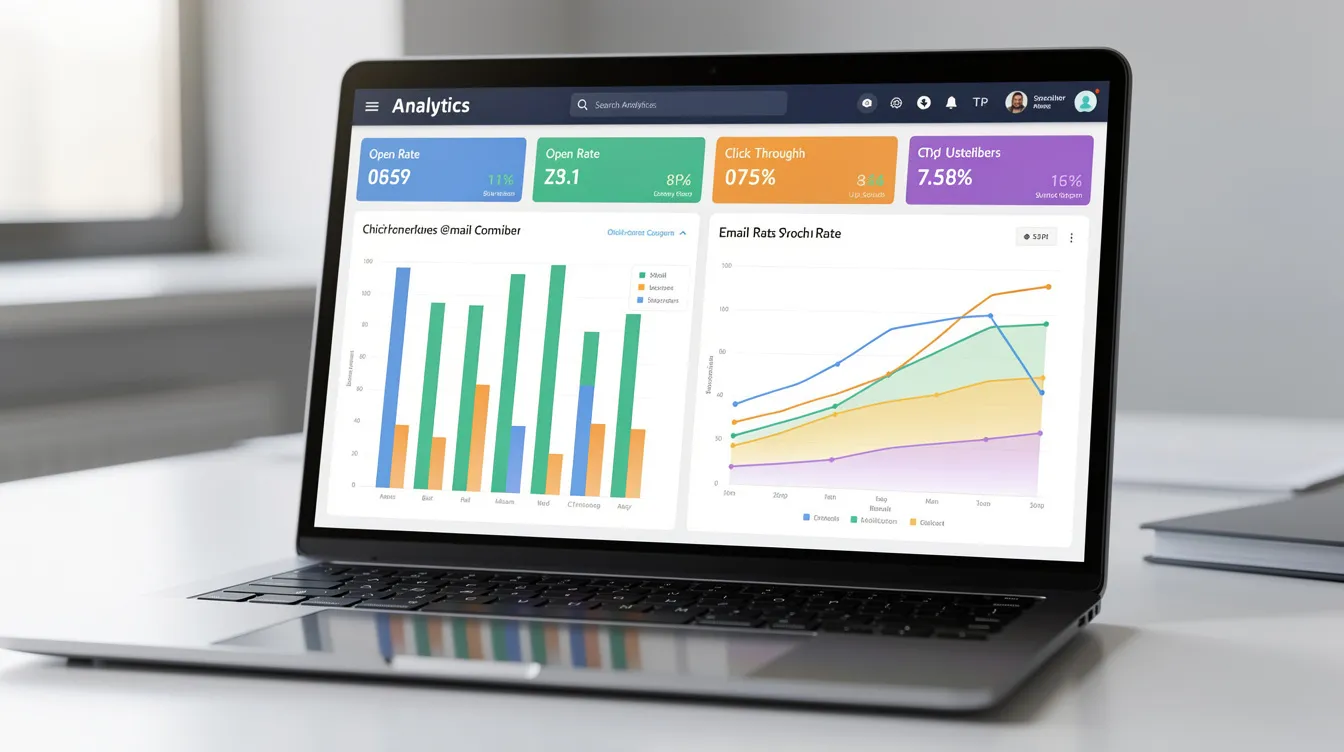
Make it a habit to review these metrics on a weekly basis:
- Open and reply rates by provider: If your open rate is 40% on Gmail but 5% on Outlook, you have an Outlook deliverability issue.
- Bounce rates: Keep hard bounces strictly under 1%.
- Spam rates: Check Google Postmaster regularly to ensure you are well below the 0.3% threshold.
Keep an internal log of any changes you make—such as updating a template, rotating in new domains, or changing your list source—so you can quickly identify the cause of any metric shifts.
Putting It All Together: Building a Deliverability-First Email Stack
A modern, highly resilient email deliverability stack looks like this:
- The Sending Engine: An outbound platform like NexusCold for sales, or a marketing ESP (like Klaviyo) for newsletters.
- The Warm-up Tool: Built directly into NexusCold, or standalone options like MailReach.
- The Diagnostics Suite: GlockApps or SendForensics for deep pre-campaign checks.
- The Monitoring System: Google Postmaster Tools and Microsoft SNDS (both free).
- The List Verifier: NeverBounce or ZeroBounce for cleaning lists before sending.
By separating your platforms based on use cases (e.g., using Postmark for transactional emails and NexusCold for cold sales outreach), you protect your core business domains from deliverability issues.
How NexusCold Helps Teams Operationalize Deliverability
NexusCold is built specifically to automate the complex, manual tasks required to keep outbound deliverability high. For agencies and sales teams managing high-volume campaigns, we build the guardrails directly into your workflow.
Instead of paying for separate tools to provision domains, warm up accounts, rotate inboxes, and check DNS records, NexusCold handles it all in a single white-label, self-hostable platform. We enforce safe sending limits, manage bounces, and provide native deliverability analytics so you can scale outreach without risking your domain health.
If you are ready to stop managing deliverability through complex spreadsheets, explore NexusCold.
Additional Resources for Improving Email Deliverability
To keep optimizing your cold email campaigns, check out these deep-dives:
- Grab our proven framework for writing high-converting outreach in our guide to great cold email templates for 2026.
- Learn how to scale your campaigns safely with our outbound email automation strategy and tools.
FAQ: Best Email Deliverability Services
Do I need both a deliverability tool and a cold email platform?
Yes, for best results. Your cold email platform (like NexusCold) handles the daily sending, safe volume limits, and inbox rotation. A separate diagnostics tool (like GlockApps) is useful for running deep, periodic audits to verify exactly where your emails land across different email service providers.
How often should I run inbox placement tests?
You should run tests before launching any major new outreach sequence, whenever you make significant edits to your email copy or tracking links, and immediately if your open rates drop below your historical average. For regular senders, testing once or twice a month is a healthy habit.
Are free deliverability tools enough for small businesses?
Free tools like Google Postmaster, Microsoft SNDS, and MXToolbox are incredible for checking your technical setup and monitoring your basic reputation. However, they don't offer automated warm-up features or visual folder-placement tests. As your outreach scales, adding a paid deliverability tool will save you time and protect your domains.
What's the difference between an email deliverability tool and an email marketing platform?
Email marketing platforms (like Mailchimp or Klaviyo) are built to design, segment, and send marketing campaigns to opted-in lists. Deliverability tools are dedicated diagnostic systems designed to monitor the technical health of your domains, test for spam triggers, and ensure those marketing platforms actually land in the inbox.
How long does it take to fix serious deliverability issues?
It depends on the damage. If you simply sent to a bad list and got a high bounce rate, cleaning your list and pausing your campaigns for a few days can resolve the issue. If your domain has been blacklisted or has a "Bad" reputation rating on Google Postmaster, it can take anywhere from 2 to 6 weeks of consistent, low-volume warming to repair the trust with ISPs.