← Blog · July 23, 2026
Mailchimp or Cold Email Tools: What You Need
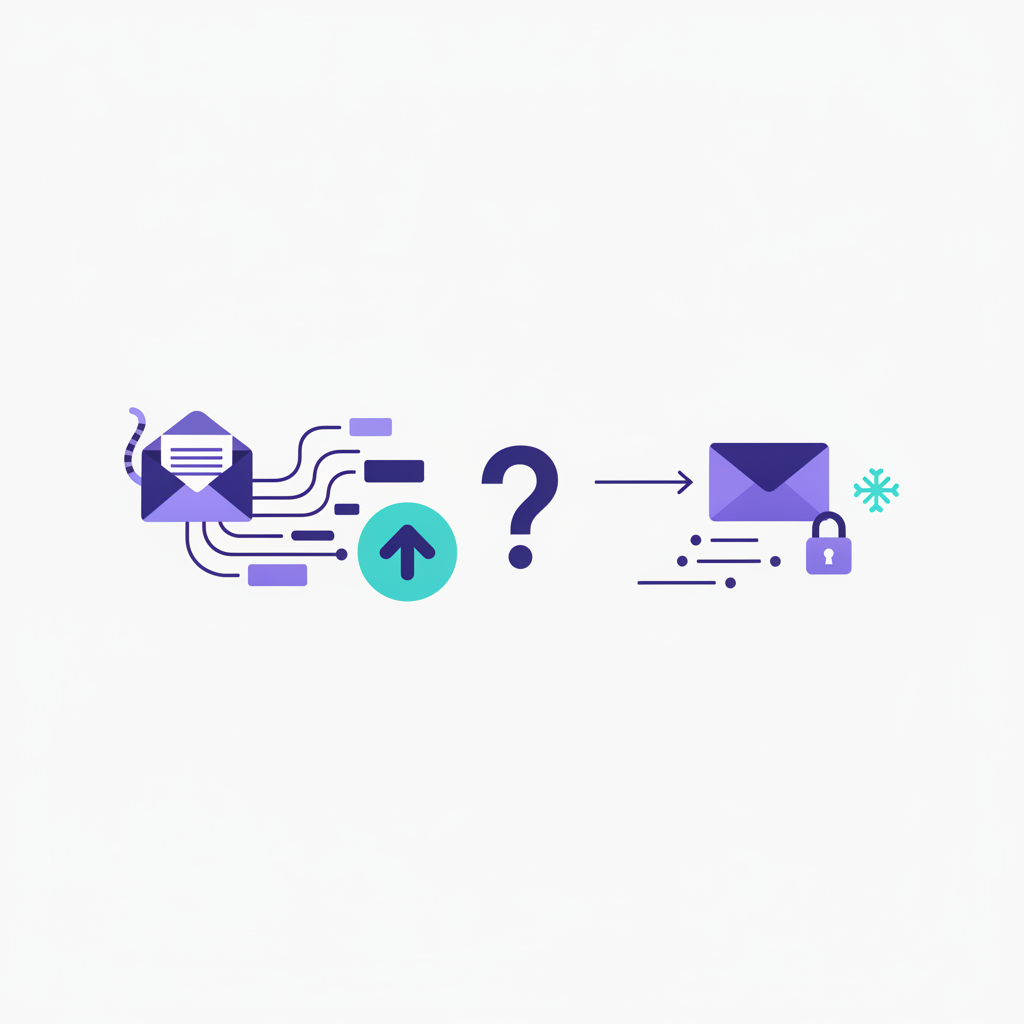
Type "Mailchimp or..." into Google, and you'll find thousands of founders and marketers wrestling with the exact same question: can the internet's default email platform handle cold sales outreach, or do you need a completely different setup?
The answer comes down to one fundamental difference: Are you emailing people who asked to hear from you, or are you reaching out to total strangers?
Pick the wrong tool for the wrong job, and you won't just waste money—you'll burn your primary domain, trigger account suspensions, and destroy your sender reputation across every mailbox provider. Here is how to navigate the tech stack properly.
Inbound Newsletters vs. Outbound Sales Outreach
To understand why Mailchimp isn't a one-size-fits-all engine, you have to split email into two distinct disciplines: inbound marketing and outbound prospecting.
Inbound email marketing relies strictly on explicit permission. A prospect fills out a form on your site, downloads a PDF, or buys a product. They expect your emails.
- Goal: Nurture leads, announce features, send weekly newsletters, and push drive-by buyers into repeat customers.
- Format: Visual layouts, custom graphics, heavy HTML code, clickable buttons, and footer links to social channels.
- The Tool: Mailchimp built its reputation here. It manages opted-in subscriber lists effortlessly and sends polished bulk campaigns without breaking a sweat.
Outbound cold emailing is targeted business development. You initiate contact with hyper-specific B2B prospects who have no clue who you are.
- Goal: Open direct 1-to-1 conversations, secure discovery calls, and book pipeline.
- Format: Plain text or raw formatting designed to look like a hand-typed message sent straight from your personal inbox.
- The Tool: Mailchimp explicitly forbids cold outreach in its Acceptable Use Policy. Try uploading a list of scraped or purchased leads, and their security bots will lock down your account almost instantly.
If your strategy relies on cold pitches, cross Mailchimp off your list immediately. You need dedicated outbound infrastructure.
Why Mailchimp Fails at Cold Outreach
Treating Mailchimp like an outbound sales engine hits three immediate technical brick walls:
1. Zero Tolerance for Non-Opt-In Lists
Mailchimp routes emails through shared IP pools. If one account blasts spam, deliverability drops for every single user sharing that IP block. To guard their infrastructure, Mailchimp runs aggressive automated audits on uploaded lists. If your batch lacks clear opt-in metadata—or if your initial campaign hits a bounce rate above 2%—they will lock your account instantly.
2. No Native Inbox Warmup
Cold outbound demands a slow, deliberate build-up on fresh sending domains. Without an automated warmup network exchanging messages behind the scenes to establish trust, Google Workspace and Microsoft 365 will send your cold emails straight to the spam bucket. Mailchimp has zero warmup infrastructure because its target user base doesn't need it.
3. Punitive Contact Pricing
Mailchimp bills based on your total stored contacts. In cold outbound, you might cycle through 10,000 fresh prospects a month just to book 15 meetings. Shelling out top-tier monthly fees just to host tens of thousands of unverified lead records makes no sense on a balance sheet.
The Core Features Required for Successful Cold Outreach
When evaluating software for cold outbound, ditch the drag-and-drop email builders. Focus strictly on deliverability controls and inbox safety.
To consistently hit the primary inbox, an outbound setup must handle:
- Multi-Inbox Load Balancing: Pushing 500 cold emails a day out of a single inbox gets your account flagged fast. You need to distribute that volume across a network of separate sending accounts and secondary domains (e.g., sending 20 emails a day across 25 distinct inboxes).
- Automated Peer Warmup: A background network that routinely sends, opens, retrieves from spam, and flags your emails as important to build rock-solid domain authority.
- Unified Inbox Management: Logging into 25 separate email accounts to chase down sales replies is a operational nightmare. A unified master inbox pools incoming replies so your team can respond immediately.
- Technical Authentication Checks: Automated verification that tests your SPF, DKIM, DMARC records, and custom tracking domains before you launch a campaign.
SaaS vs. Self-Hosted Email Infrastructure
Once you pivot away from traditional marketing tools, you run into another choice: off-the-shelf SaaS cold email apps or self-hosted outbound engines.
Most SaaS platforms charge you per connected inbox or per uploaded lead contact. As your team scales from sending 1,000 messages a month to 50,000, software costs explode. On top of that, you stay bound to that third-party platform's internal rules and daily sending limits.
Self-hosted infrastructure changes the game completely.
For scaling sales teams, outbound agencies, and security-minded companies, self-hosting delivers total data control, unrestricted domain routing, and drastically lower software overhead at scale.
Platforms like NexusCold bring enterprise control to cold outreach without the technical complexity. Designed as a self-hostable, white-label cold email platform, NexusCold builds deliverability protection directly into your tech stack. Instead of stitching together three different paid tools, it delivers native warmup, multi-inbox rotation, and a unified response master inbox out of the box—giving you complete operational autonomy without monthly per-inbox markups.
Making the Right Choice for Your Business
Here is how the options stack up based on how you actually plan to send:
| Need / Feature | Choose Mailchimp | Choose a Dedicated Platform (e.g., NexusCold) |
|---|---|---|
| Primary Audience | Opt-in subscribers, customer lists, blog readers | Cold B2B prospects, targeted sales accounts |
| Email Style | Branded HTML, graphic layouts, rich templates | Plain text, personal direct-message format |
| Sending Strategy | Mass broadcasts from a single domain | Distributed multi-inbox rotation |
| Deliverability Engine | Shared IP pool reputation controls | Dedicated warmup network, technical record validation |
| Platform Model | Hosted SaaS (Pricing scales per stored contact) | Self-hostable, white-label options available |
If you are sending newsletter updates, product launches, or e-commerce promos to people who willingly opted in on your site, Mailchimp remains a solid choice.
If your growth relies on cold outbound, booking meetings, or rotating dozens of sending accounts, Mailchimp will break your setup. You need a dedicated outbound stack engineered for deliverability and scale.
Take Control of Your Email Strategy
Choosing software isn't about finding one single tool that does everything—it's about matching your tech to how email protocols actually work. Run your opt-in marketing through Mailchimp, but deploy purpose-built outbound infrastructure for cold prospecting.
If you are ready to scale outbound operations without burning domains or paying bloated monthly SaaS fees, check out how NexusCold puts multi-inbox rotation, automated warmup, and self-hosted deliverability back under your control.