← Blog · August 3, 2026
How to Send Cold Email: A Step-by-Step Guide
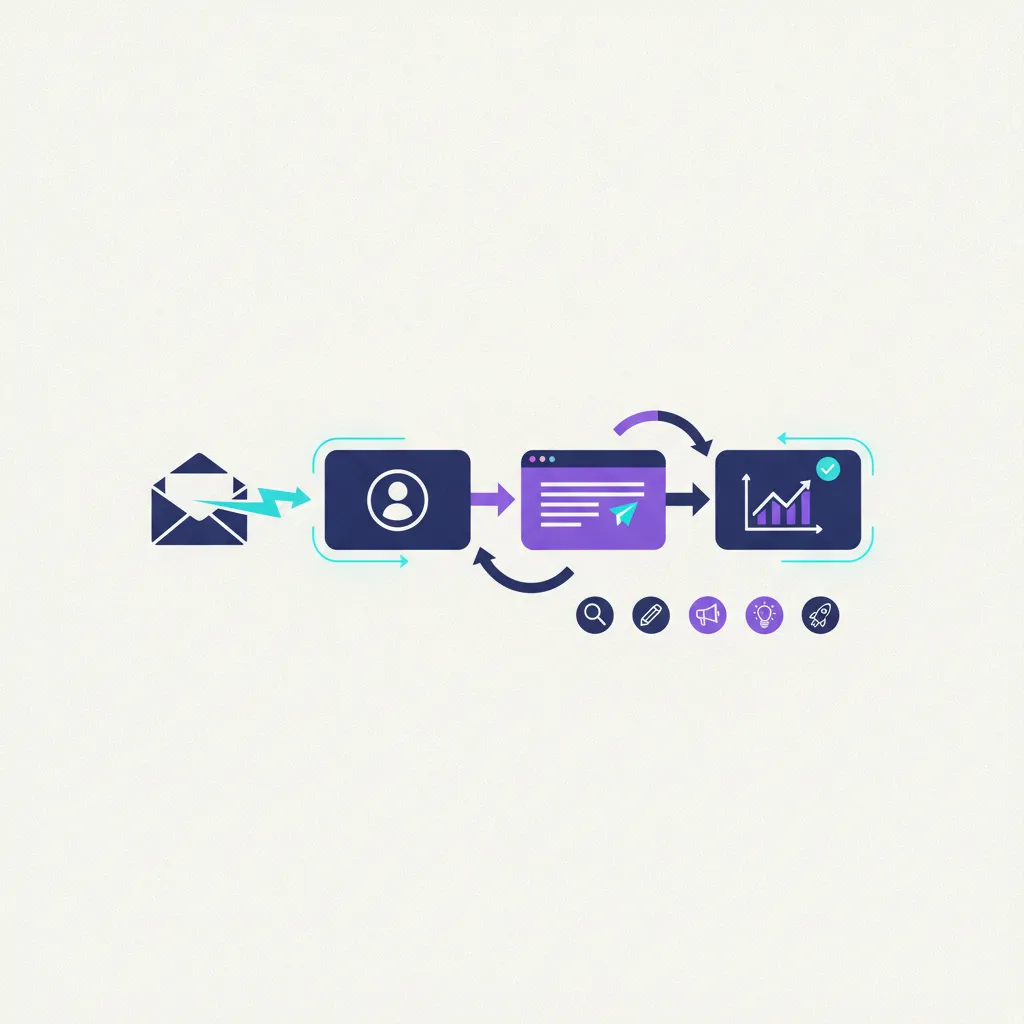
Cold email remains the fastest lever for booking B2B pipeline—provided you aren't using playbooks from 2018. Blast 5,000 unverified contacts with a canned template today, and modern spam filters will incinerate your sending domain in forty-eight hours.
Outbound now demands technical discipline, surgical list-building, and copy that respects a prospect's time.
Here is how to set up, launch, and scale a cold outreach engine that hits the inbox and books real pipeline.
1. Build a High-Intent Lead List First
Bad data guts good copy every single time. Reach a decision-maker right when they are bleeding cash on a problem, and you get a meeting. Hit an abandoned inbox or the wrong manager, and you get marked as spam.
Forget generic targeting like "US software firms with 50 to 500 employees." Build your Ideal Customer Profile (ICP) around sharp operational signals:
- Job Titles: Stick to precise roles—think "Head of Growth" or "VP of Sales"—and skip vague titles like "Director of Marketing."
- Company Size & Revenue: Target headcounts where your price point easily fits discretionary budgets without triggering procurement headaches.
- Tech Stack: Identify tools they already pay for (e.g., Salesforce, Shopify, HubSpot). If they pay for complementary tools, they have budget and proven need.
- Buying Triggers: Look for real-time changes: new executive hires, fresh funding rounds, or job openings targeting the exact problem you fix.
Pull your target accounts from clean databases, then run every lead through a verification tool before importing. Keep your overall bounce rate strictly under 2%. Jump past that line, and Google or Microsoft will send your messages straight to domain purgatory.
2. Nail Your Technical Setup and Deliverability
Brilliant copy is useless if it spends its life sitting in the Promotions tab or spam folder. Deliverability isn't a side project; it's the foundation of the entire engine.
Rule number one: Never send cold campaigns from your root company domain. One bad streak of spam complaints can ruin your main domain, blocking your sales team from emailing existing clients. Buy 2 or 3 secondary domains that mimic your core brand (getyourbrand.com instead of yourbrand.com).
Configure three non-negotiable DNS records for every sending domain:
- SPF (Sender Policy Framework): Specifies which IP addresses are authorized to send mail on your domain's behalf.
- DKIM (DomainKeys Identified Mail): Adds a cryptographic signature proving your emails weren't altered mid-flight.
- DMARC (Domain-based Message Authentication, Reporting, and Conformance): Gives receiving servers clear instructions on what to do if SPF or DKIM checks fail.
Next comes inbox warmup. Firing off 50 cold emails on day one from a fresh domain is domain suicide. You need to ramp up sending over 2 to 3 weeks while simulating natural, peer-to-peer thread engagement.
Juggling DNS entries, warmup schedules, and domain health across dozens of accounts by hand gets messy fast. Platforms like NexusCold bake deliverability guardrails and automated warmup directly into the core workflow. Instead of duct-taping third-party warmup tools and manual monitoring scripts together, built-in checks protect your domains before campaigns go live.
3. Write Copy That Triggers Replies
Cold emails shouldn't read like marketing broadcasts. They need to look like direct, plain-text notes typed out on a phone between meetings.
Strip out fancy HTML formatting, ditch graphic signatures, and keep external links to an absolute minimum. Stick to a clean, four-part framework:
The Subject Line
Keep it under four words, entirely lowercase, completely plain. Skip gimmicks, capital letters, or fake "Re:" tricks.
- Good: quick question about [Topic]
- Bad: DOUBLE Your Revenue In 30 Days Guaranteed!
The Personal Opening
Prove you spent 30 seconds looking at their business. Mention a specific podcast quote, an open engineering role, or a visible bottleneck. Generic praise like "I came across your impressive LinkedIn profile" screams automation instantly.
The Value Proposition
Cut the fluff: what problem do you eliminate, and what is the concrete outcome? Keep this to two clean sentences focused on the transformation. Use clear metrics whenever possible ("We helped [Competitor] cut acquisition costs by 35%").
The Low-Friction Call to Action (CTA)
Don't ask a stranger for a 30-minute calendar lock on the first touch. Ask for interest, not time slots.
- High friction: "Are you free for a 30-minute call this Thursday at 2 PM?"
- Low friction: "Open to taking a quick look at a 2-minute video showing how it works?"
4. Scale Outreach Safely with Multi-Inbox Infrastructure
Once positive replies hit your inbox, scaling up is the natural next move. But pushing heavy volume through a single account is the fastest way to get blacklisted. Both Google Workspace and Microsoft 365 enforce daily sending caps—capping volume at 30–50 cold emails per inbox per day is the gold standard for staying safe.
To scale volume, you build a multi-inbox architecture. If your target is 500 prospects a day, don't send 500 emails from one address. You spread that workload across 10 to 15 inboxes distributed over secondary domains.
Total Volume Goal: 500 emails/day
---------------------------------
[Domain 1] - Inbox A: 35 emails
[Domain 1] - Inbox B: 35 emails
[Domain 2] - Inbox C: 35 emails
...
[Domain 5] - Inbox J: 35 emails
This setup shields your domain reputation, but logging into 15 separate webmail accounts every morning to handle replies will destroy your operational efficiency.
Traditional sales engagement tools force you into per-seat pricing models that kill your margins as you scale up inboxes. NexusCold solves this through a self-hostable, white-label architecture. You control your sending infrastructure, run native multi-inbox rotation, and manage incoming leads through a unified inbox that pulls every thread into one dashboard. You scale campaign volume without watching software bills balloon.
5. Design a Strategic Follow-Up Sequence
Most of your pipeline won't come from the first email. Prospects are busy, submerged in Slack messages, or out of office. A well-timed, value-focused follow-up sequence often doubles your overall response rate.
Map out 4 distinct touchpoints over a 2-to-3-week stretch:
- Email 1 (Day 1): The initial message (Value prop + Low-friction CTA).
- Email 2 (Day 3–4): A brief bump adding a new angle or quick case study. Keep it simple: "Thought I'd drop a quick example..."
- Email 3 (Day 7–8): Share a teardown, industry benchmark, or useful resource that addresses a known headache—zero sales pitch, just value.
- Email 4 (Day 14–18): The "Breakup" email. Gently mention that this probably isn't a priority right now and that you'll step back. Surprisingly, breakup emails trigger high reply rates from people who intended to write back weeks ago.
Thread every follow-up under the initial subject line to maintain context. And the second a prospect responds, drop them out of the automated sequence immediately.
Key Takeaways
Consistent pipeline from cold outreach comes down to tight technical execution, precise lead data, and concise writing.
- Verify every contact to keep your bounce rate safely below 2%.
- Protect domain health with SPF, DKIM, and DMARC, and never skip the inbox warmup phase.
- Keep copy human, pairing concrete value with low-friction CTAs.
- Scale horizontally using multi-inbox rotation instead of over-sending from single accounts.
Ready to build an outbound engine you fully control? With self-hosting features, built-in inbox warmup, deliverability guardrails, and a unified response manager, NexusCold gives you everything you need to run predictable campaigns.