← Blog · August 11, 2026
7 Most Common Spam Emails and How They Work
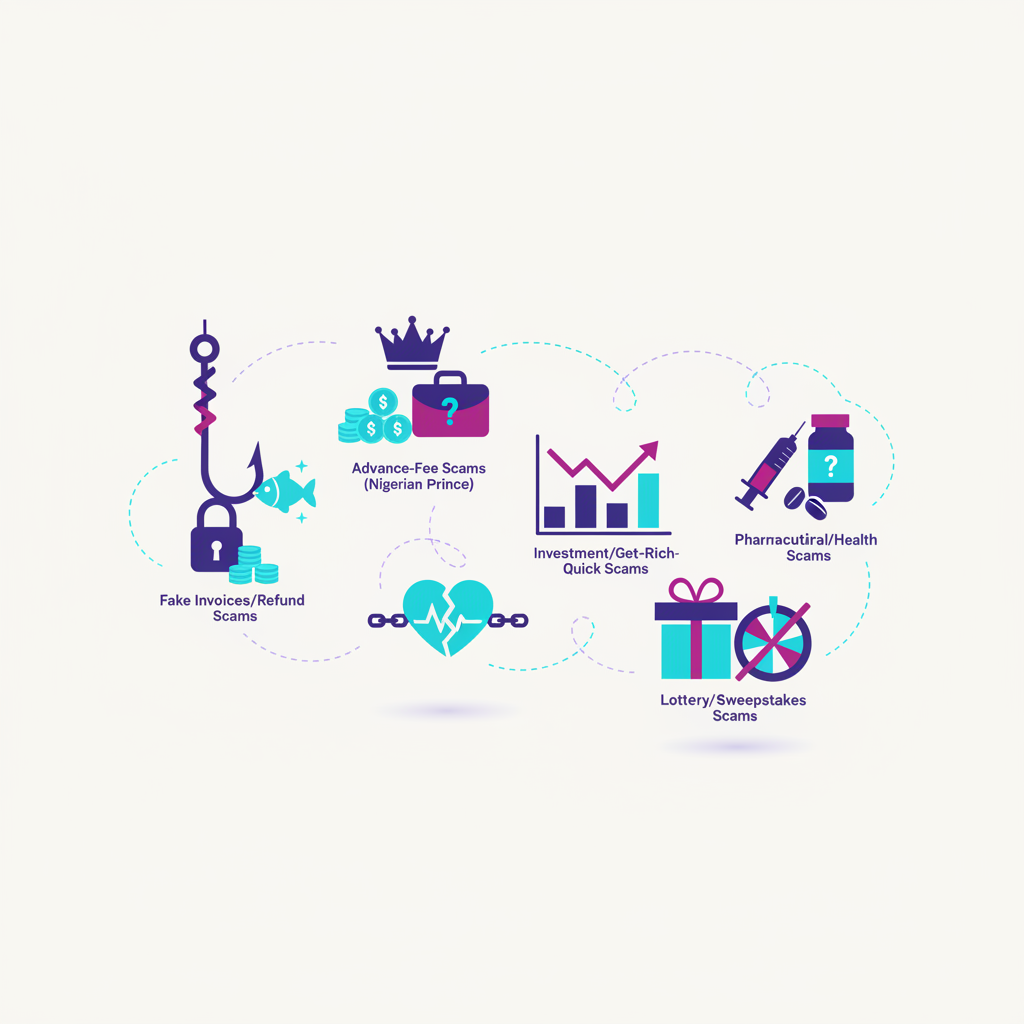
Roughly 300 billion emails fly across the internet every day, and nearly half are pure junk. To protect users from ransomware, credential theft, and shady offshore offers, email providers run raw incoming traffic through brutal filtering algorithms in real time.
The catch? Stopping bad actors creates heavy collateral damage. When Google or Microsoft tighten security rules, legitimate outbound sales emails and routine company updates routinely get swept into the trash alongside actual scams.
If you want to keep your own inbox clean—or stop your business's outbound campaigns from dying in the spam folder—you need to know what these filters are actually watching. Here is how modern spam operates, why algorithms flag it, and how to keep your real emails safe.
Phishing and Account Verification Scams
Phishing is still the undisputed heavyweight of email fraud. Attackers impersonate high-trust brands—Microsoft, Google, PayPal, or major banks—to trick people into handing over master login credentials or credit card numbers.
These scams almost always rely on engineered panic. You've probably seen these hitting your inbox:
- Account suspension threats: Claims that your account will be locked within 24 hours due to "unusual activity" or an unpaid bill.
- Fake security alerts: Urgent messages claiming someone logged into your account from another country, pushing you to click a link to "secure your profile."
- Document sign-off notifications: Fake DocuSign or Google Drive alerts insisting a critical contract requires your immediate login to view.
The goal here is simple credential harvesting. Links send targets to cloned landing pages designed to capture passwords and two-factor codes the moment they're typed in.
Fake Invoices and Financial Impersonation
Financial spam aims straight for company bank accounts and consumer wallets. What makes these dangerous is that they easily bypass basic keyword checks—they look like boring, administrative corporate mail.
Common tactics include:
- Auto-renewal traps: Surprise invoice receipts—typically around $499 for Geek Squad, Norton, or McAfee—designed to panic you into calling a fake call center to cancel.
- Overdue vendor notices: Aimed right at corporate finance departments, pairing a generic subject line with a weaponized PDF or Excel document.
- Executive impersonation (BEC): An attacker spoofs a CEO's display name or domain, firing off an urgent message telling a mid-level manager to execute a fast wire transfer to a new vendor.
Because these emails rely on psychological tricks rather than spammy sales pitch words, receiving mail servers inspect domain alignment and technical headers down to the byte before letting them through.
Unsolicited Blast Marketing and Malicious Attachments
Not all junk email is trying to steal passwords. A huge chunk of daily spam is just terrible marketing—companies buying sketchy contact lists and firing untargeted pitches at thousands of people.
Cybercriminals use those exact same mass-sending tactics to drop dangerous software straight into inboxes:
- Spray-and-pray sales blasts: Unsolicited B2B offers sent to personal inboxes without consent, packed with hype words ("Guaranteed ROI") and missing mandatory unsubscribe links.
- Archive files (.zip, .rar): Compressed attachments structured to slip past basic virus checks and unpack ransomware behind the scenes.
- Macro-heavy spreadsheets (.xlsm): Fake financial sheets that prompt users to "Enable Content," immediately firing off hidden background scripts.
Blasting unsegmented lists generates massive complaint numbers. Once Google or Outlook sees real users repeatedly hitting "Report Spam," your domain reputation tanks, and future mail gets routed to the void.
Why Legitimate Outreach Gets Trapped in Spam Filters
If you run clean B2B cold outreach, you've likely seen hand-crafted, human-written emails land directly in the spam folder. That happens because algorithms inspect your technical infrastructure and sending patterns long before they read a single word of your copy.
Major inbox providers flag sending domains for specific technical failures:
- Missing authentication records: Skip setting up SPF (Sender Policy Framework), DKIM (DomainKeys Identified Mail), or DMARC, and recipient servers view your domain as unverified or spoofed.
- Volume spikes on cold domains: Blasting hundreds of messages from a brand-new domain instantly triggers automated bot detection.
- Dirty contact lists: High bounce rates from dead or mistyped email addresses tank your sender reputation fast.
- Erratic sending cadence: Sending zero emails on Monday and dropping 2,000 on Tuesday looks like automated spam behavior.
To keep deliverability high, your sending infrastructure must prove to recipient servers that you are a legitimate, high-trust sender. Self-hostable platforms like NexusCold remove this bottleneck by automatically enforcing SPF, DKIM, and DMARC standards across your domains, ensuring your technical setup satisfies security protocols before any campaigns go live.
How to Protect Domain Reputation and Stay Out of Spam
Staying out of spam folders isn't about avoiding "magic trigger words" or tweaking subject lines. It comes down to proper infrastructure setup, account warming, and strict volume management.
Here is how to keep your business outreach landing in the primary inbox:
- Enforce Technical Alignment: Always configure SPF, DKIM, and DMARC records correctly on every sending domain.
- Warm Inboxes Gradually: Never send cold campaigns from a fresh domain right away. Use automated warmup tools to build domain trust by generating realistic engagement—opens, replies, and rescuing emails from junk folders.
- Spread Sending Volume: Pushing 500 emails a day through one address raises immediate flags. Split that volume across 10 to 15 separate inboxes, keeping each account within safe limits (30 to 50 emails per day).
- Consolidate Communication: Managing dozens of accounts manually gets messy fast. Using a unified inbox setup lets you monitor and reply to leads from every domain in one place, maintaining quick response times without compromising sending isolation.
While traditional sales outreach software charges steep monthly fees per seat or connected account, NexusCold offers a cost-effective, self-hostable alternative. It includes built-in inbox warmup, multi-inbox management, and automated deliverability enforcement right out of the box—giving growing teams complete control over their outreach infrastructure without per-inbox penalties.
Takeaway: Control Your Sender Infrastructure
Spam filters are stricter than ever, knocking out malicious threats and legitimate outreach campaigns with equal force. By understanding how modern security systems evaluate incoming mail—from phishing tricks to sudden volume spikes—you can fix technical vulnerabilities, clean up your lists, and protect your domain reputation.
If email outreach is a primary channel for your business, don't leave deliverability to chance. Explore how NexusCold can help you automate inbox warmup, manage multi-account sending, and land in the primary inbox every single time.